SETUP
Getting FitStarz onto your phone
Your iPhone already measures distance, and Apple Health already merges it with your Watch. FitStarz just reads it. Nothing else to install, nothing to keep alive in the background.
- 1
Install TestFlight
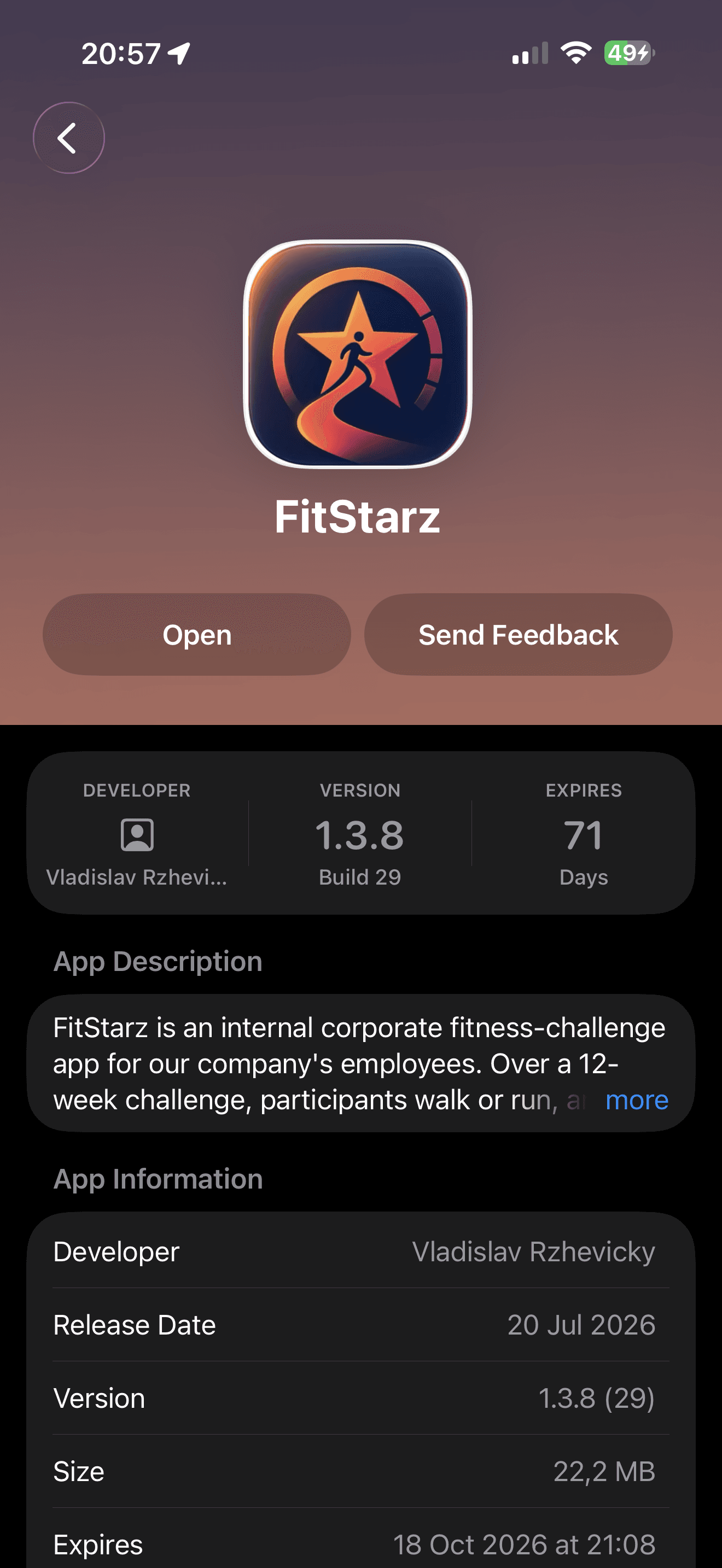
Free, from the App Store. FitStarz is an internal build and will never be on the App Store itself.
- 2
Accept the invite
Tap Open TestFlight on the home page, or use the invite email.
- 3
Install FitStarz
From inside TestFlight. Updates arrive the same way.
- 4
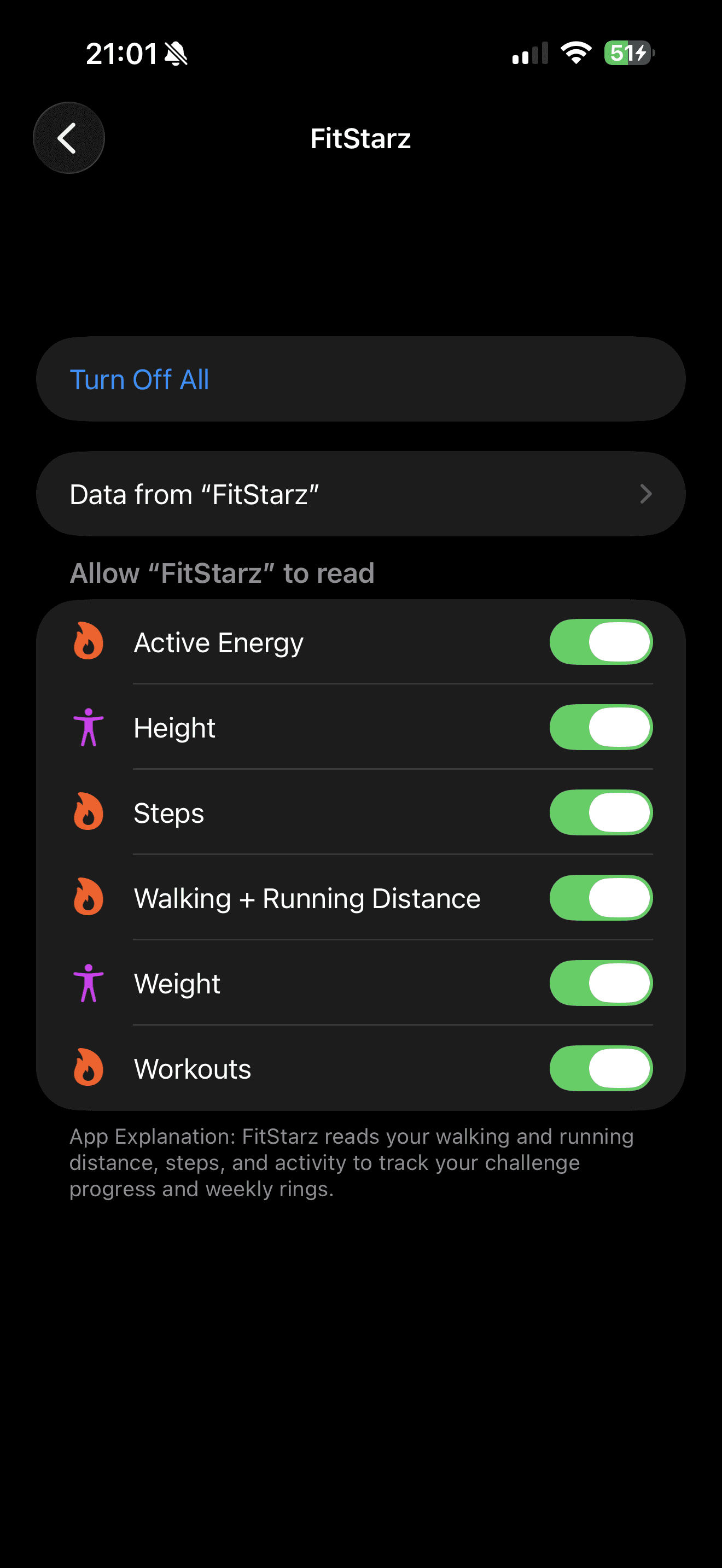
Allow health access
Turn On All when iOS asks. Missed it? Settings → Health → Data Access & Devices → FitStarz. Height matters — it converts steps into distance. All read-only.
- 5
That's it
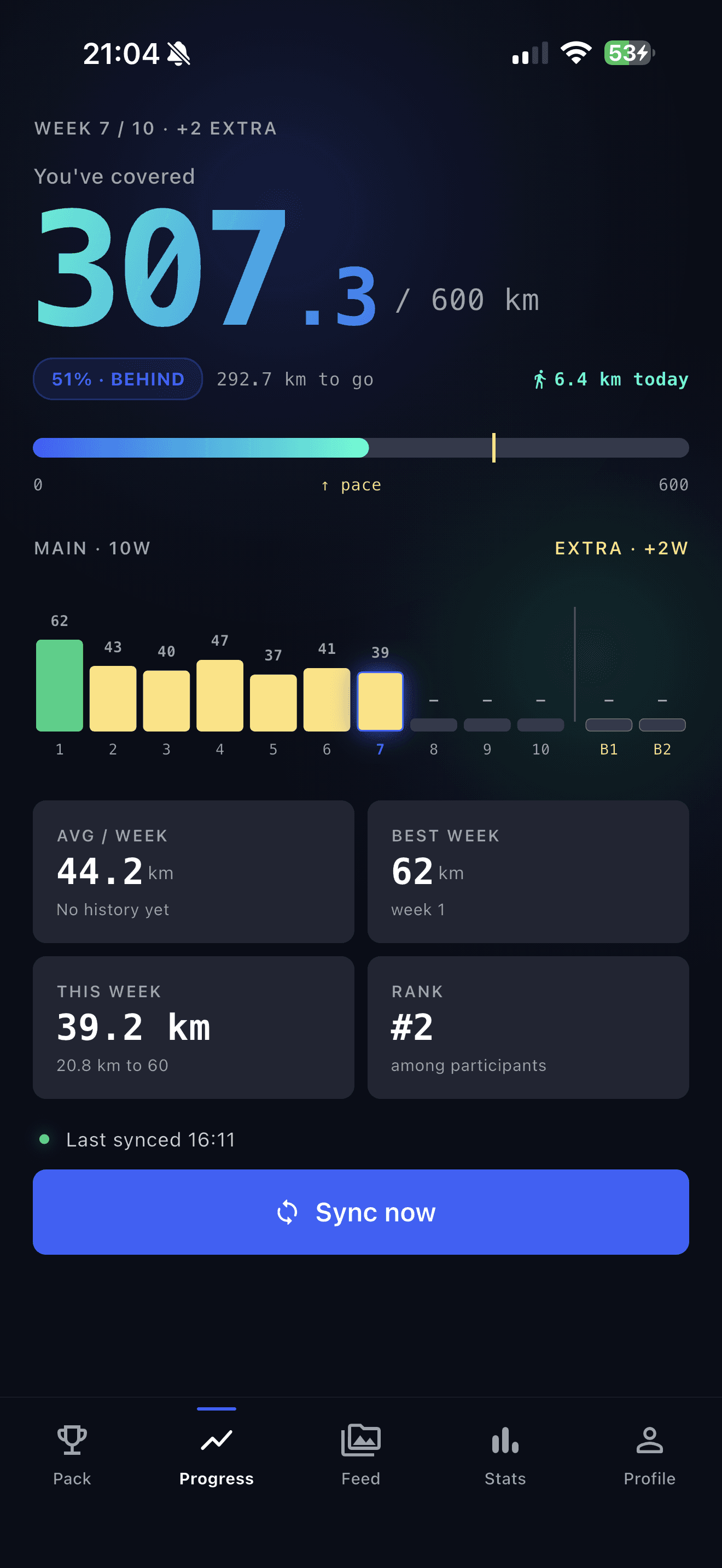
No Health Connect, no battery settings, no second app. Progress syncs when you open it; Sync now is for when you cannot wait.
What each screen looks like